



Instructions on how to download and use Edopro for beginners (Part 1)
As a newbie, you will certainly still be hesitant about owning a real and quite expensive deck of cards! But there is always a solution to this problem!!! Yes, the 4.0 era is here, we Duelists have to gradually get used to the Internet and at this time, I would like to introduce to newbies Edopro - an application to play YuGiOh! Perfect for you!
In part 1, YGO Vietnam will introduce to you how to download Edopro to both Android and PC platforms! (IOS not yet available)
First of all, the article will be compiled from many sources to be able to provide you with the most accurate information. However, because it is compiled from many sources, YGO Viet cannot answer your questions, so please feel free to ask!
Edopro is an application available on 2 installation platforms (Edopro on PC and on Android, unfortunately not yet available on iOS), is software written based on the original base of Ygopro previously. The goal is quite simple, I want new players to be able to quickly integrate with long-time players and build a strong Yu-Gi-Oh block.
By the way, for some of you who want to save money, this will be the best platform! :v
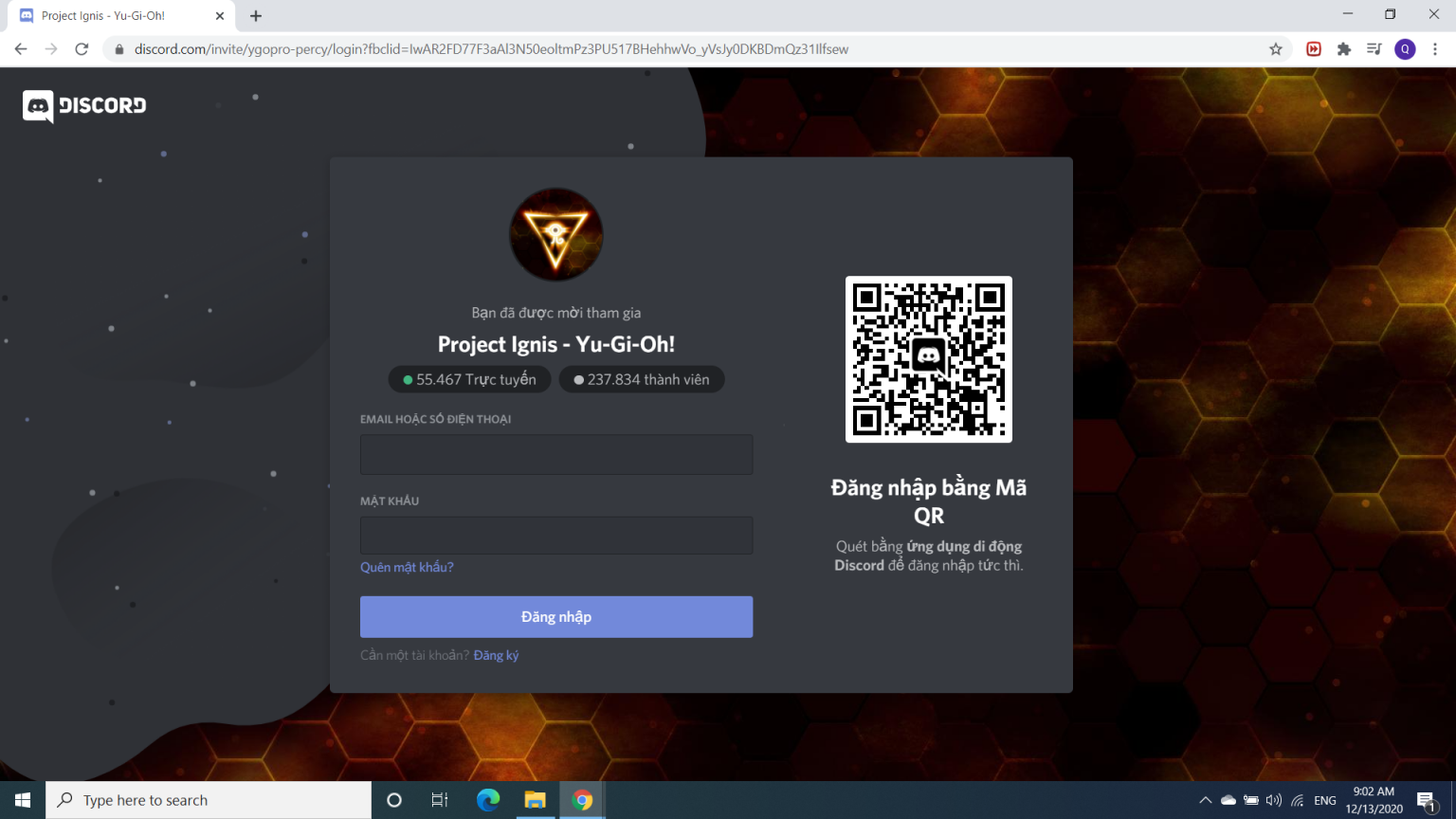
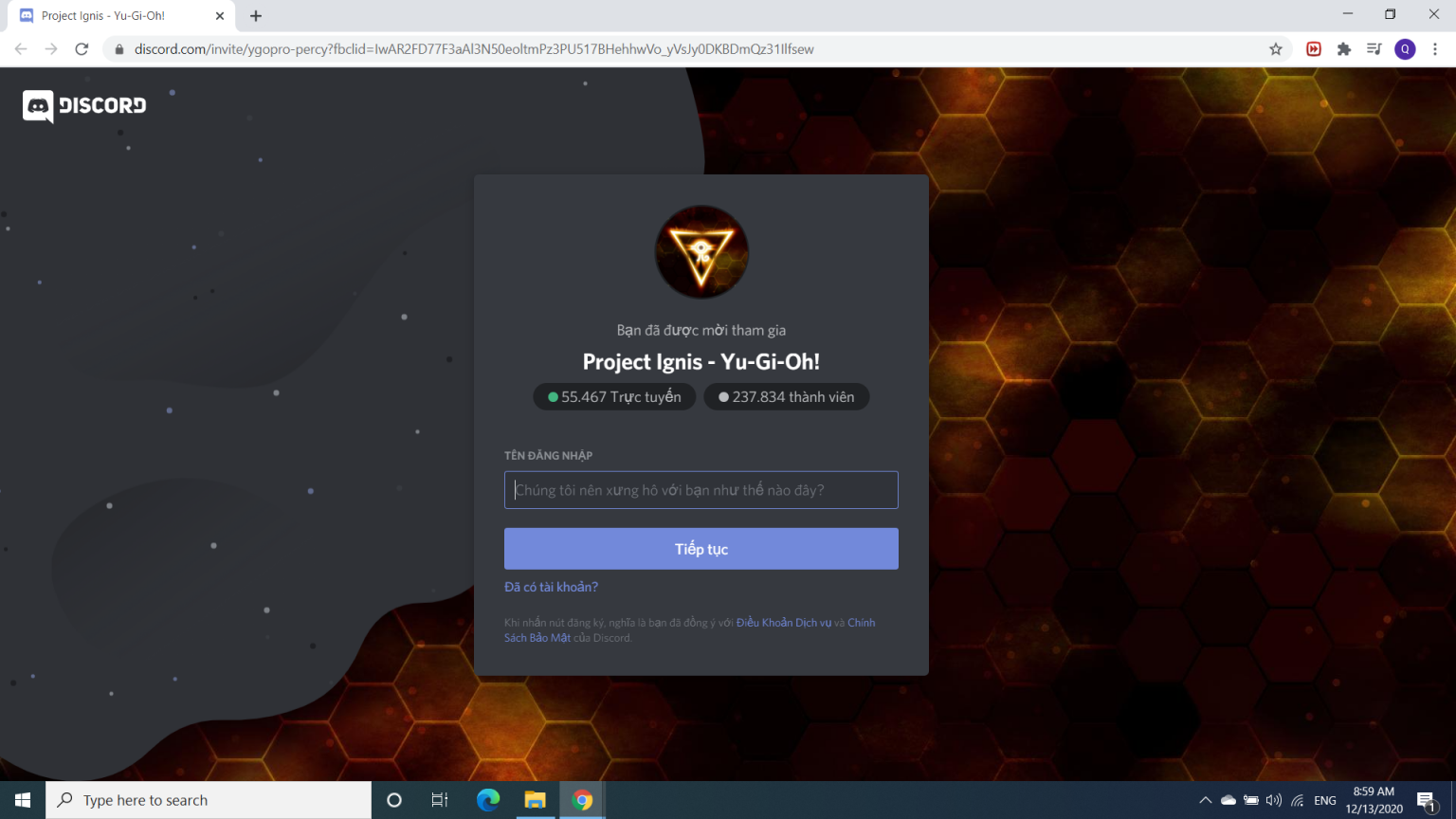
Click โAlready have an account?โ. A login window appears (as shown above).
Please fill in your username and password again and enter "Log in".
If you don't have a Discord account yet
Of course you will need to enter "Register" at the "Need an account?"
Please enter your name in the โUsernameโ field specifically in the โHow should we address youโ box?
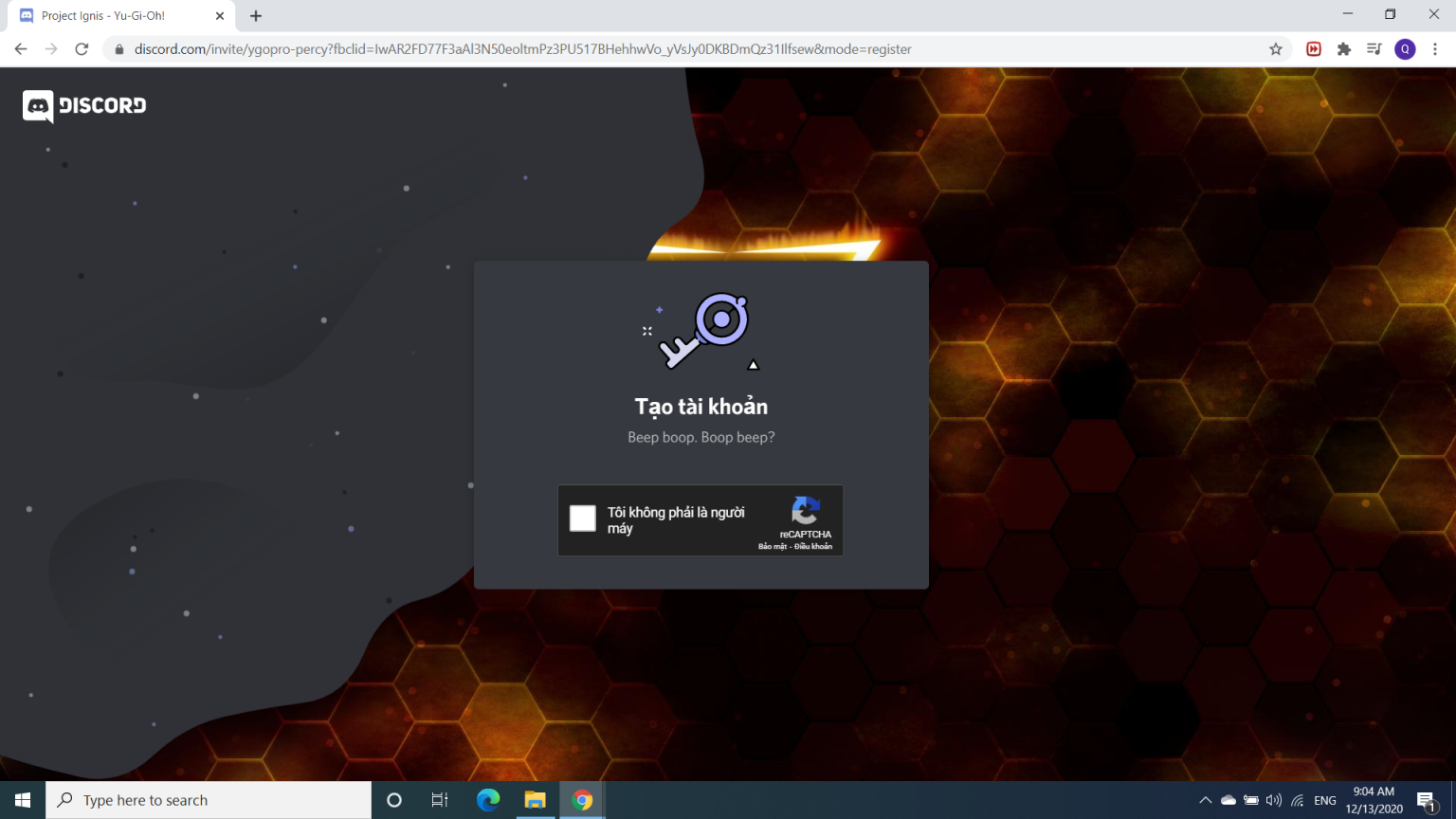
After entering the name, you will see a Captcha box (as shown above).
Enter โI am not a robotโ in the box. If you go to Chrome, you will be able to bypass authentication, but if not, I think you have to authenticate before you can log in again!
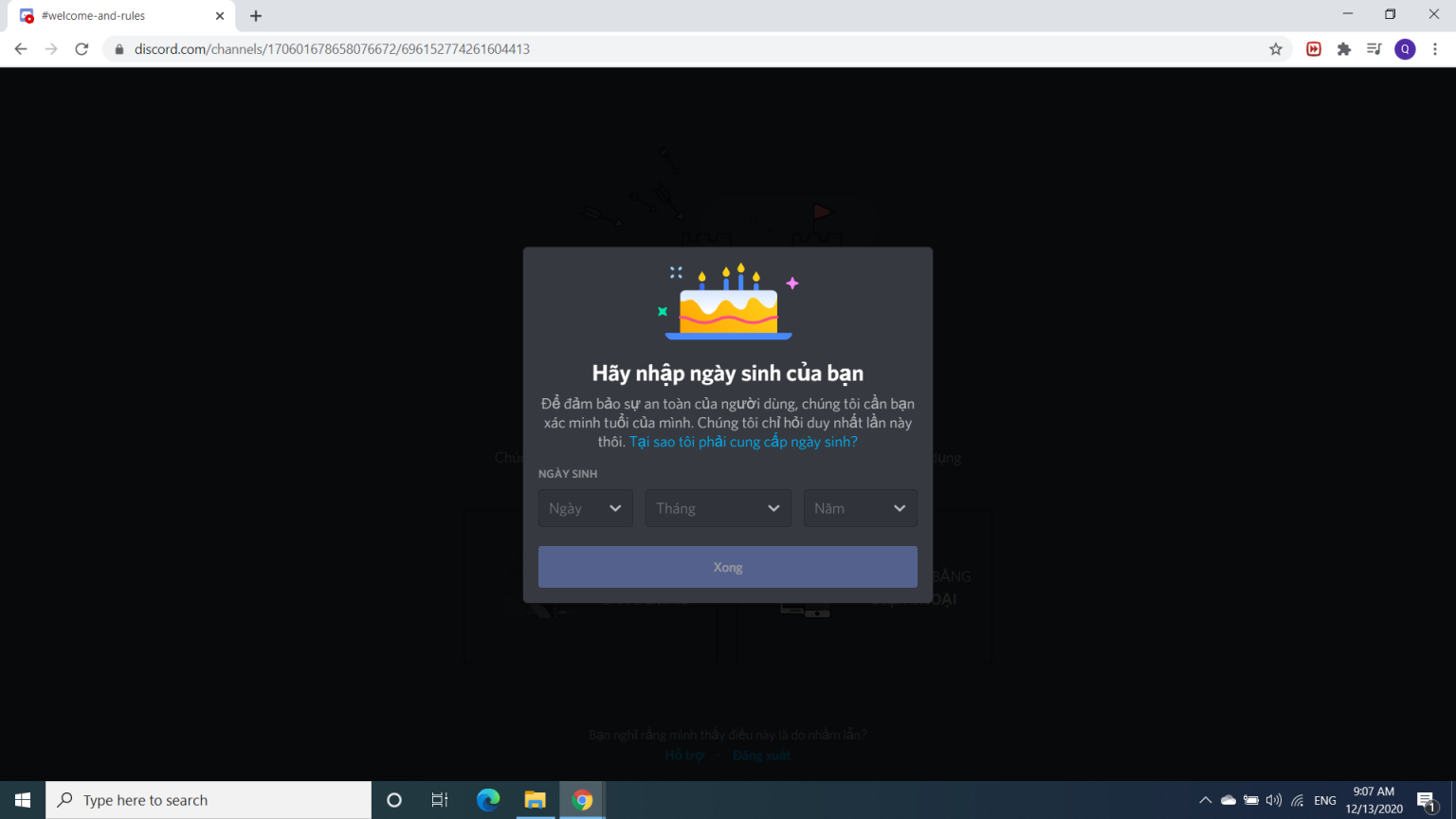
At this point, a window with your date of birth will appear
Enter your date of birth, month of birth and year of birth. Remember, for Vietnam, Discord requires you to be over 15 years old to log in!
Next step
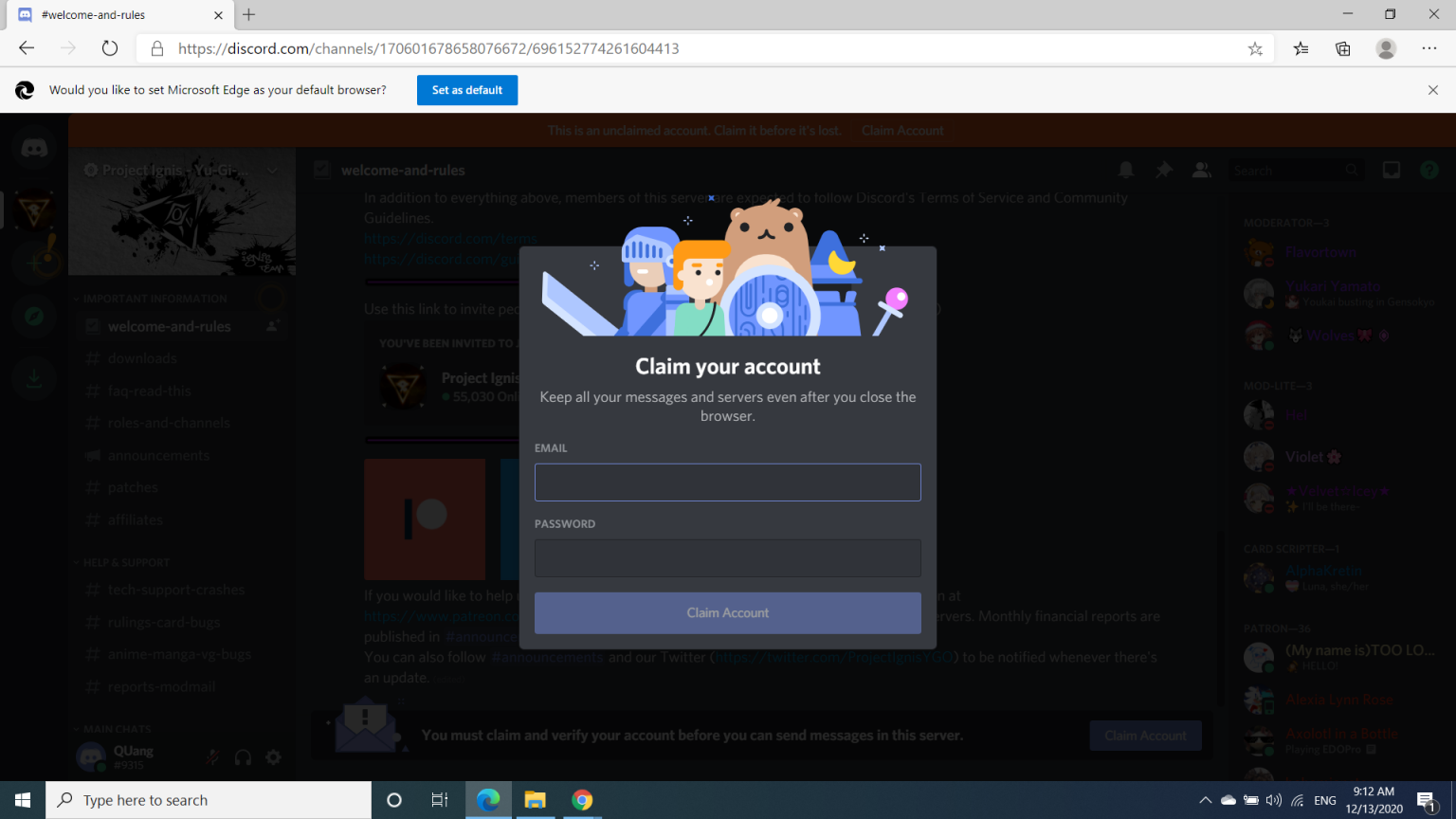
After entering, please enter your E-Mail and password in the following box (as shown above)
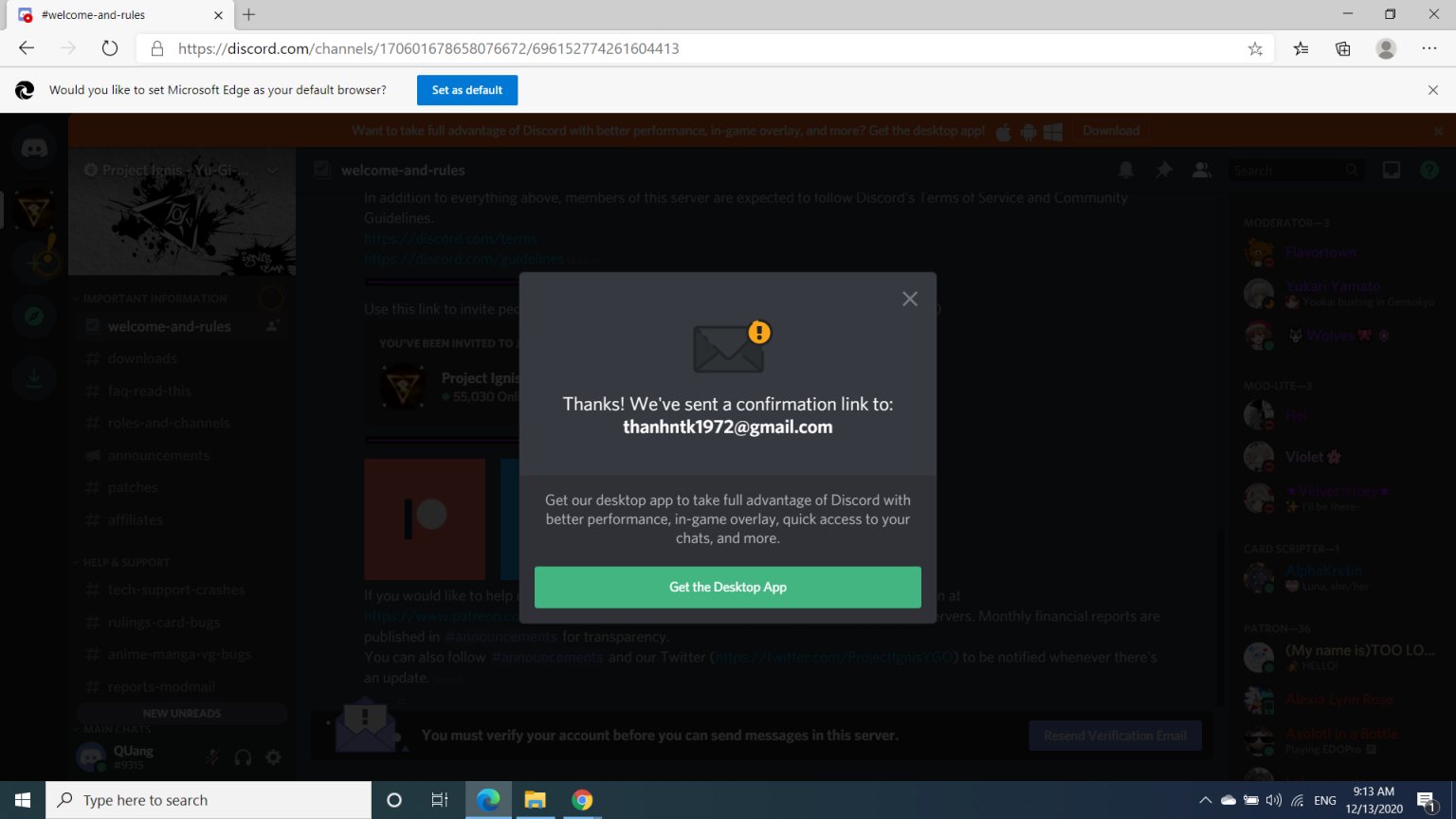
Notification sent!
After logging in, Discord will notify you as shown above!
Remember to check your email ;)
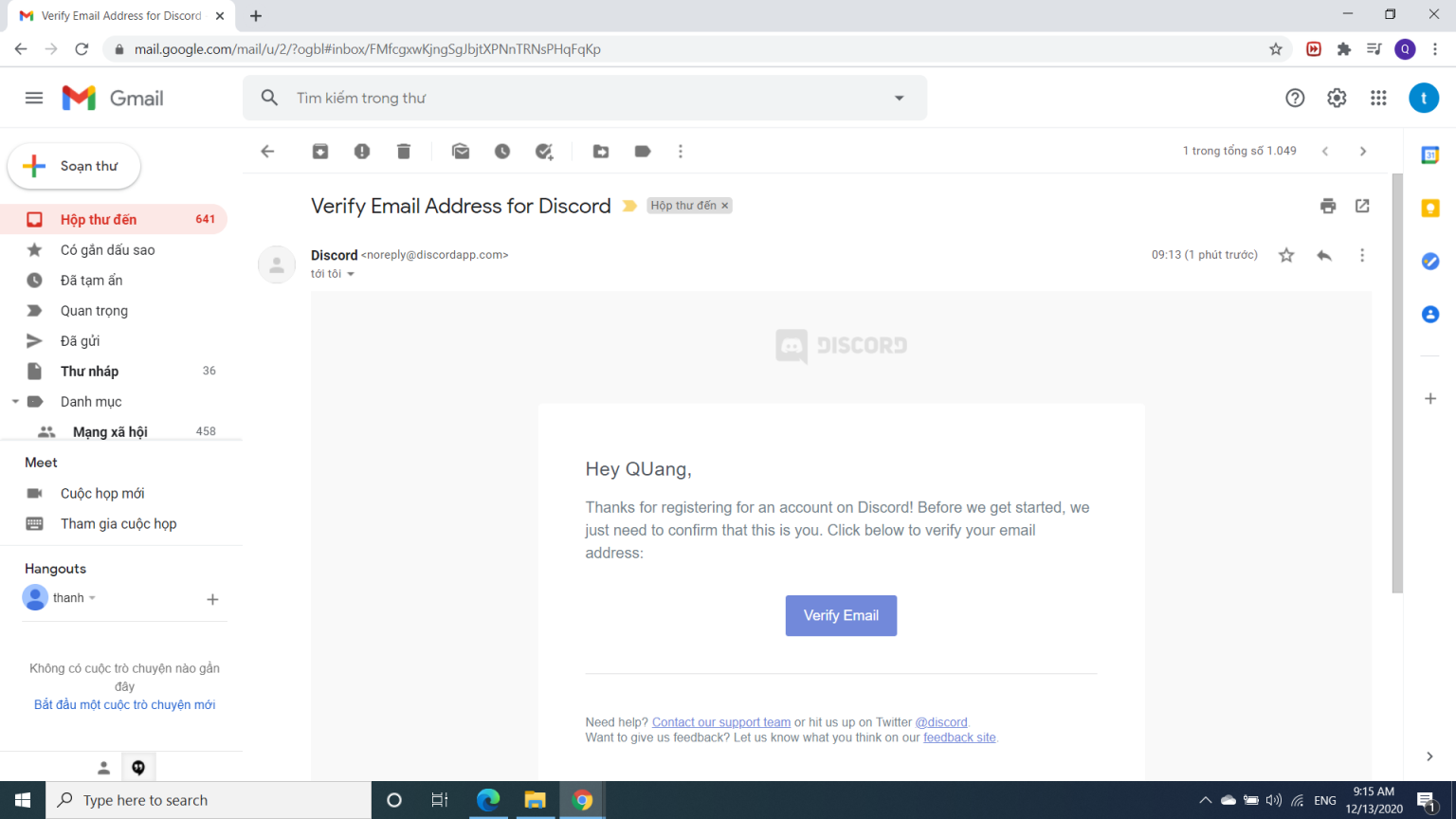
Open your inbox and check to see if there are any messages Discord has sent!
Confirmation step!
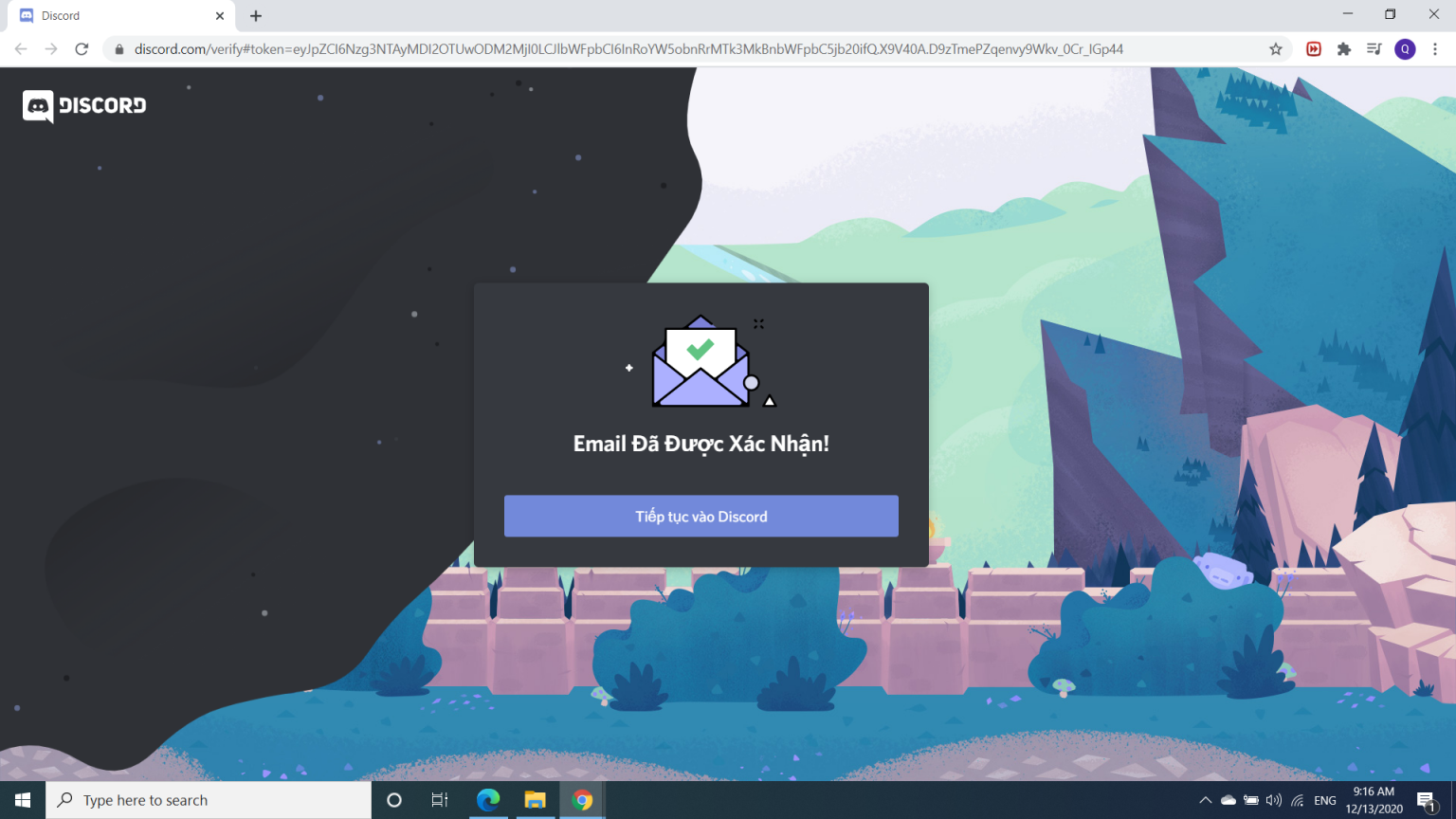
Click on that message, you will see a Verify Email button as shown above. Click that button. You will see a new window open!
Done! So, you have finished registering, now all that's left is to click Continue to Discord.
Download Edopro to your device
This is when you will need to pay attention!
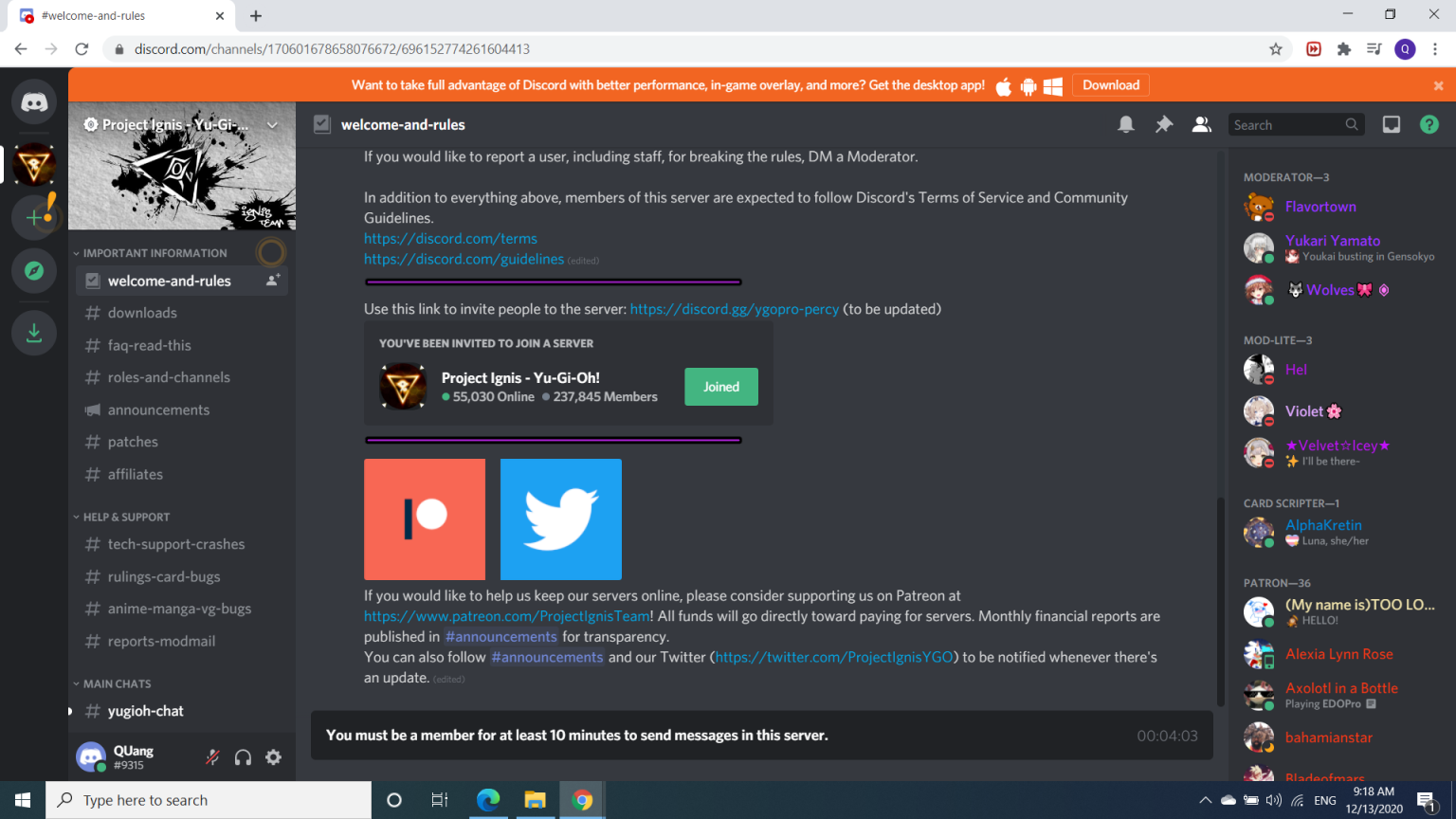
After entering, you will see a new window as above
1. For computers
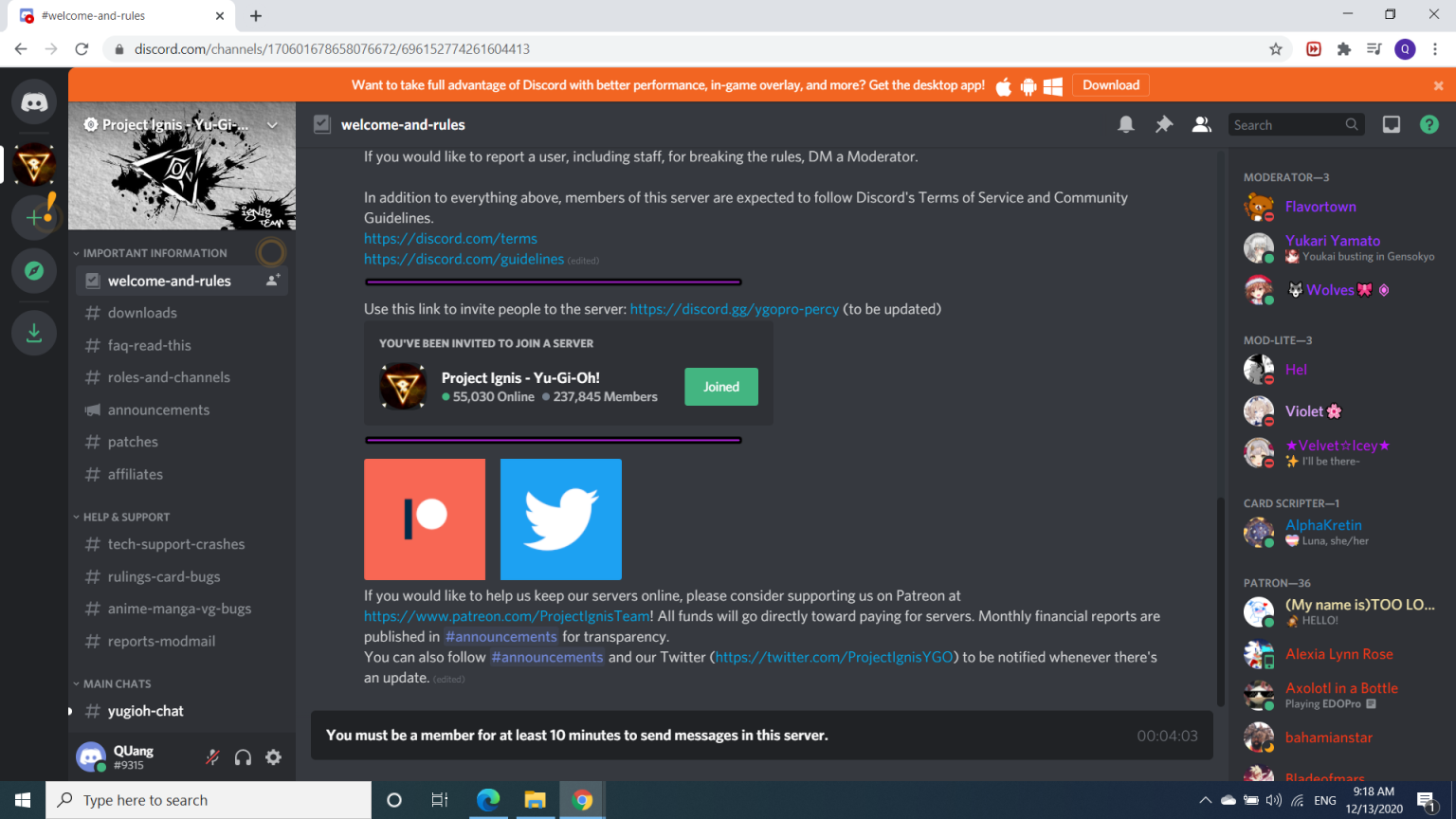
Click #download, then from that window, scroll up to find Windows/Mac/Linux, find the version suitable for your device, assuming you are using Windows.
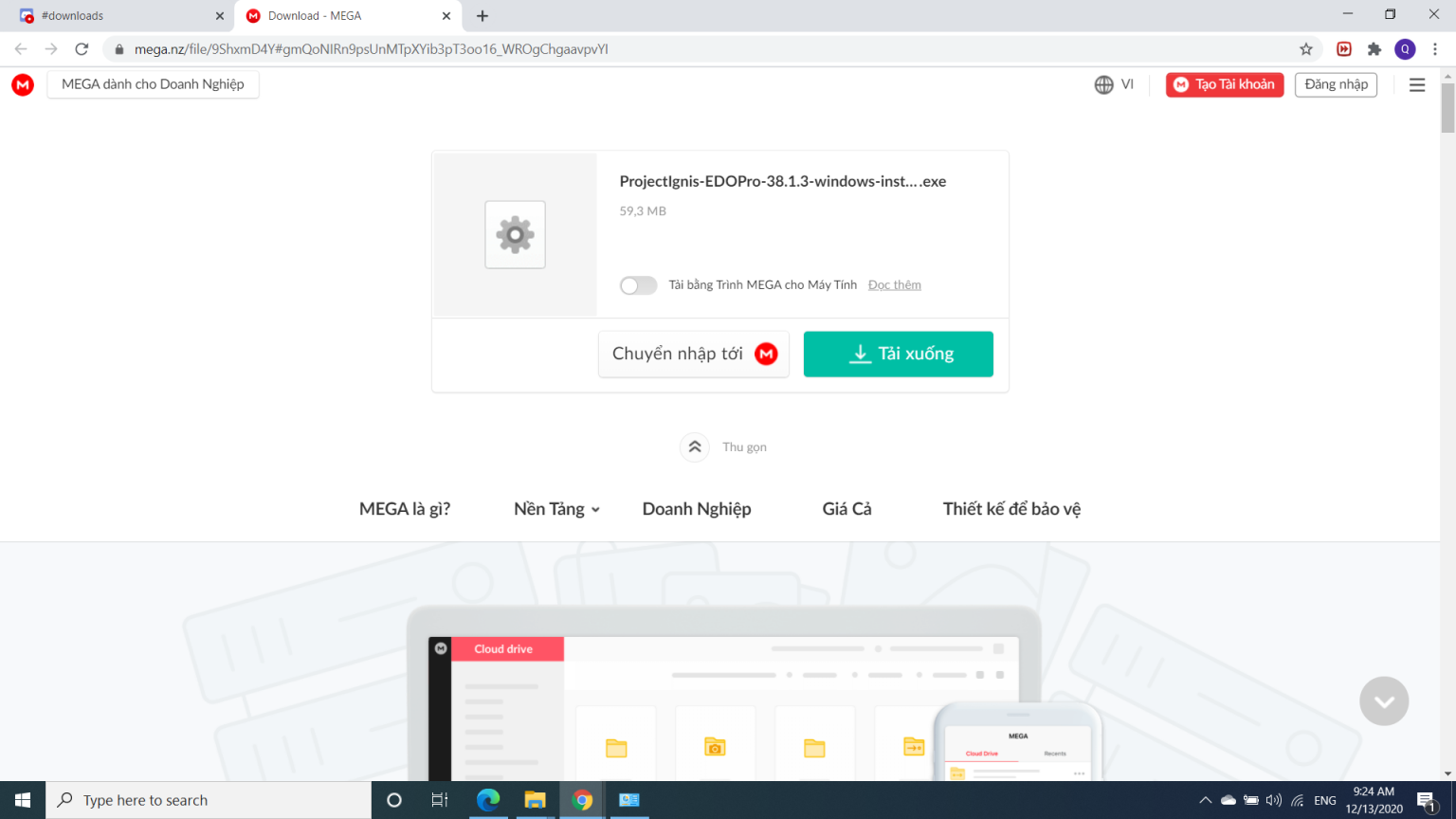
Look at the link in Standard Installer, click on it.
A new window will appear
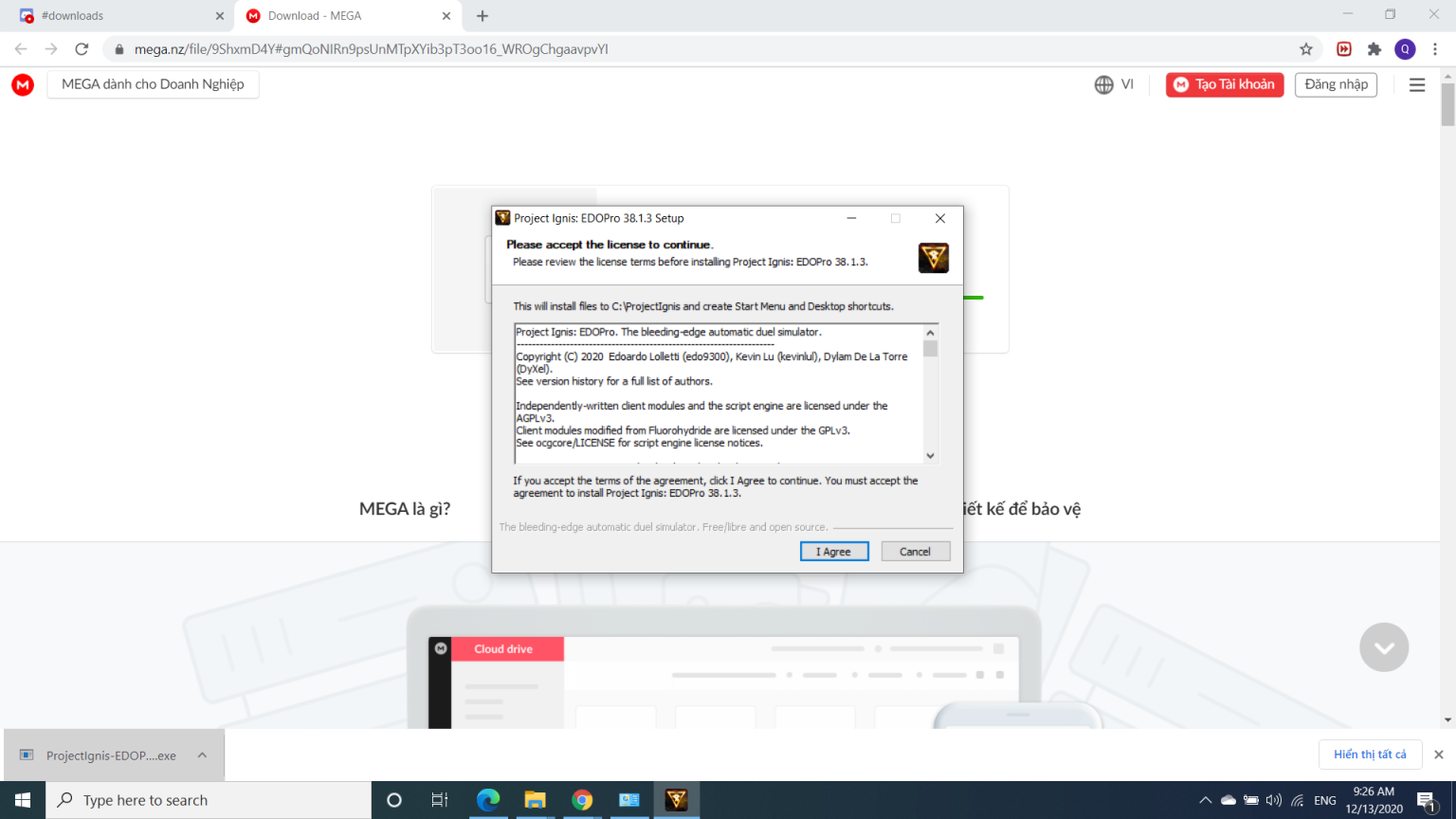
Click download then wait for it. When the download is complete, there will be a file in the left corner of the screen, left click on it.
The screen will display as follows
Click I Agree and wait for it to download all the files.
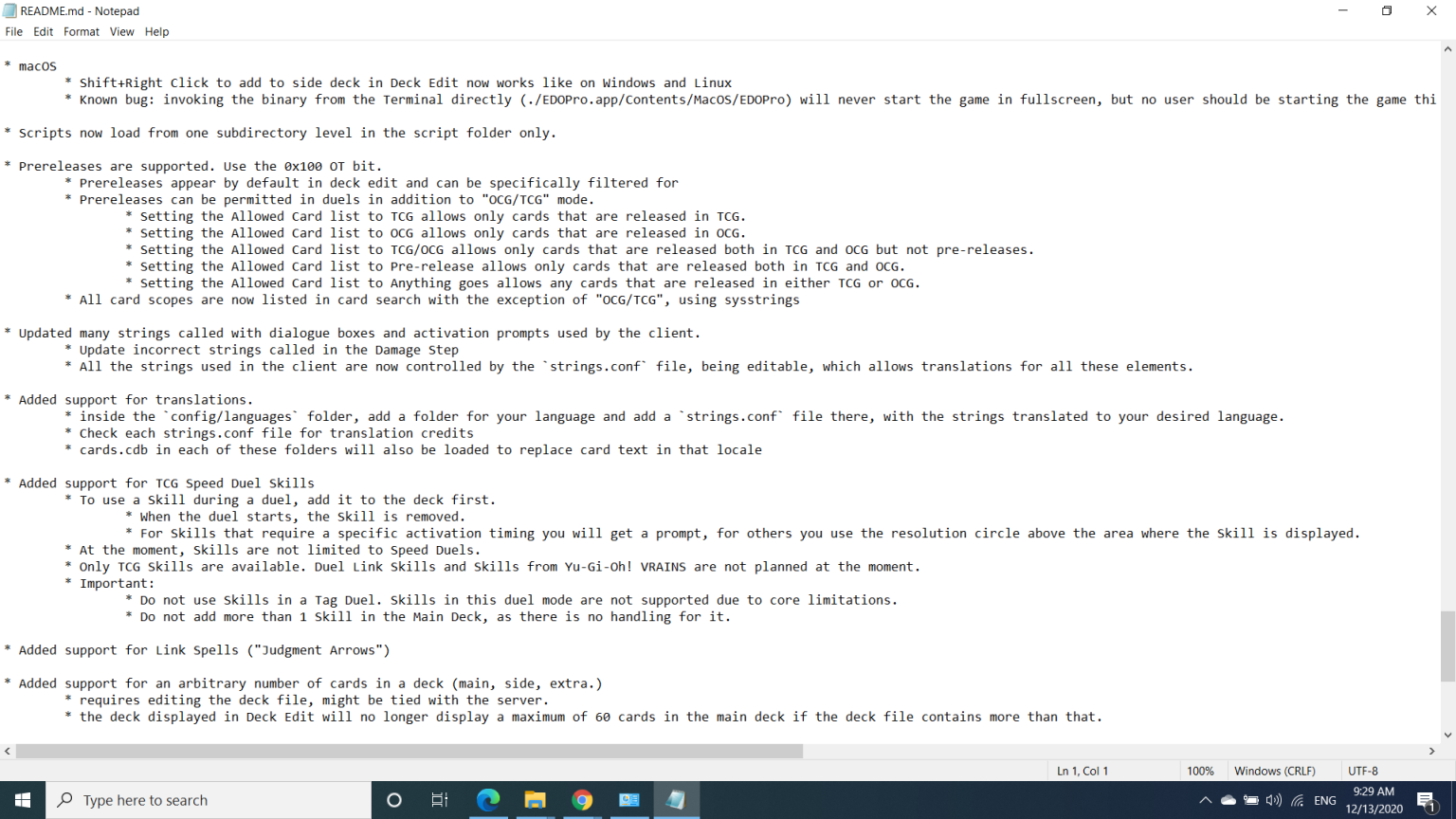
Then when the download is finished, click Finish. You will see a Notepad appear as follows
Please read it carefully before installing, because you can find out bugs and how to fix them.
Let's move on to the last step. From here, go to the Start Button to find the file named Project Ignis โ Edopro and click on it! That's it, have fun playing on PC!
2. For Android
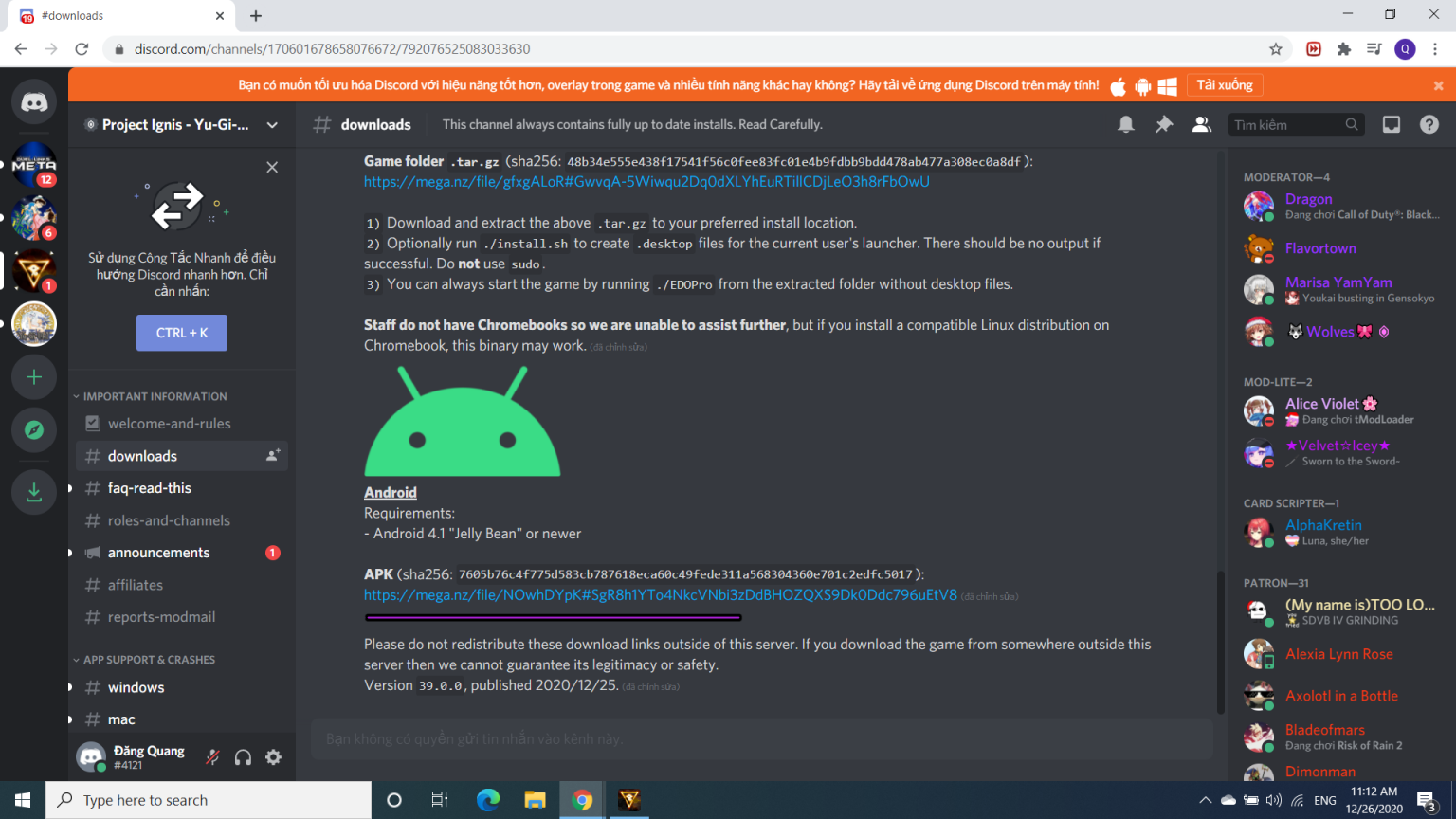
As for Android friends. Similar to above, you also go to #download and then go to Android at the bottom
Click on the link below .apk. (open with Chrome)
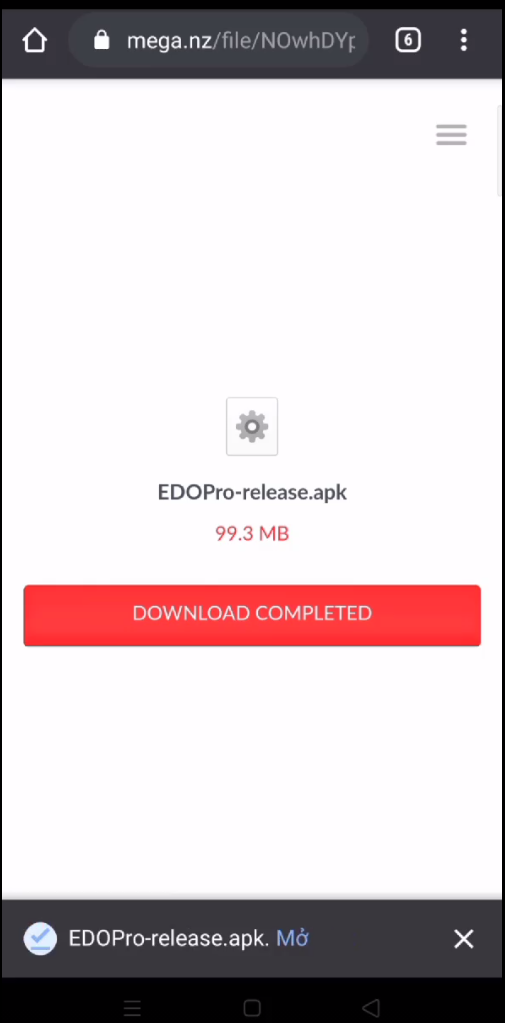
A new window will appear as follows
Click download to download
After downloading, click "Open". The screen will appear as follows
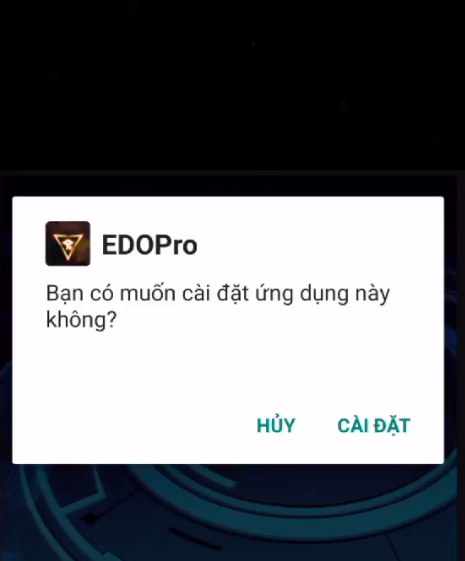
Click โInstallโ. Then wait for it
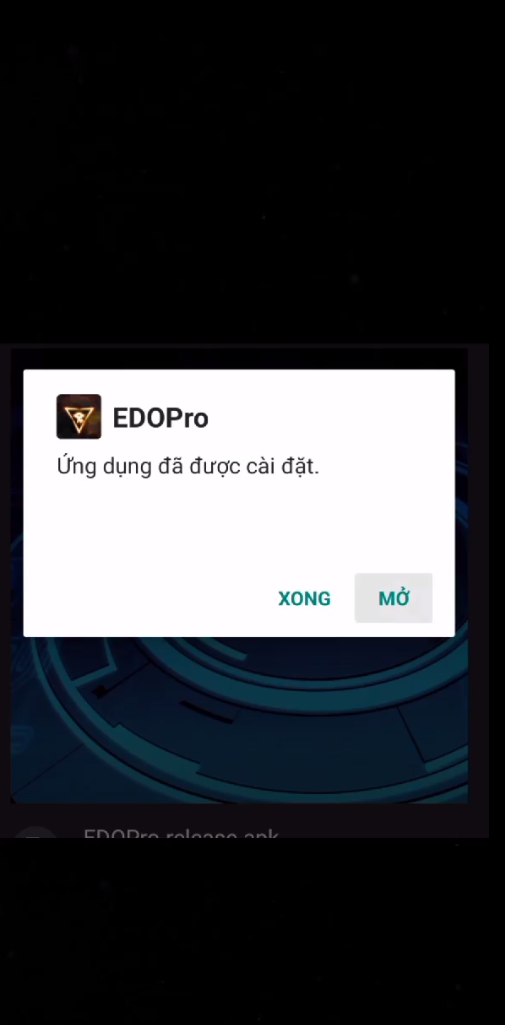
After installation is complete, it will appear as follows
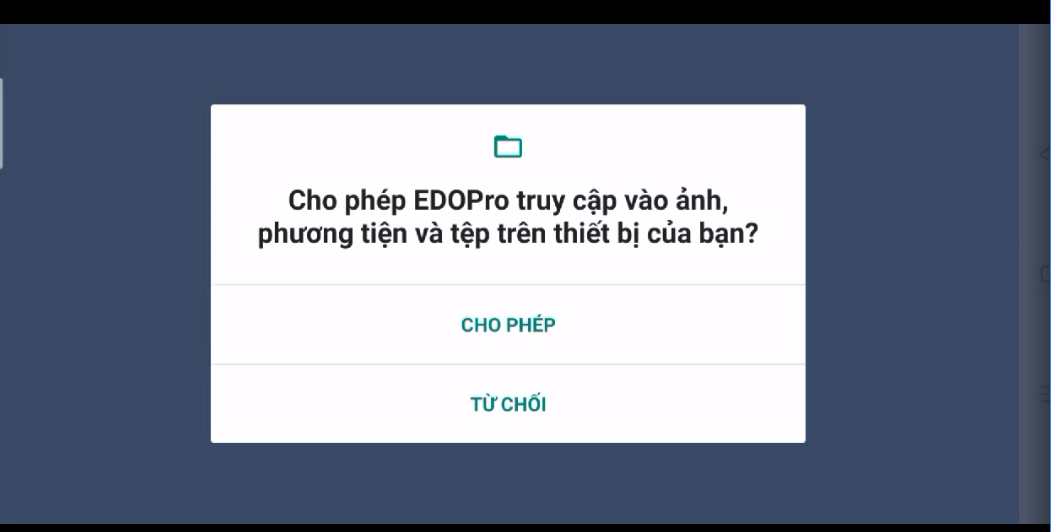
Click “Open”. The screen will appear as follows. Now select "Allow"
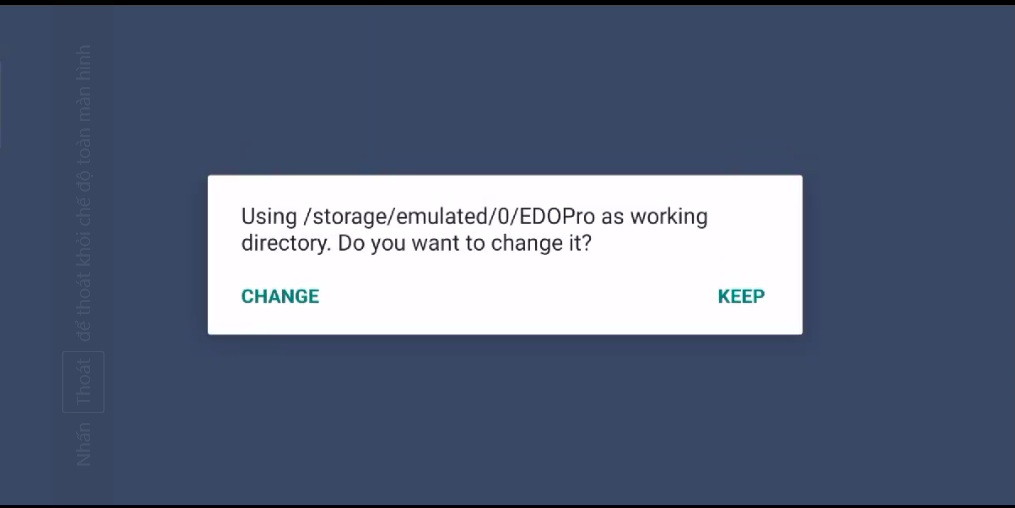
The screen will now display
If you choose Change: Find a path where you can reside the file.
If you choose Keep: Keep that path intact.
(Remember the link so you can copy the deck).
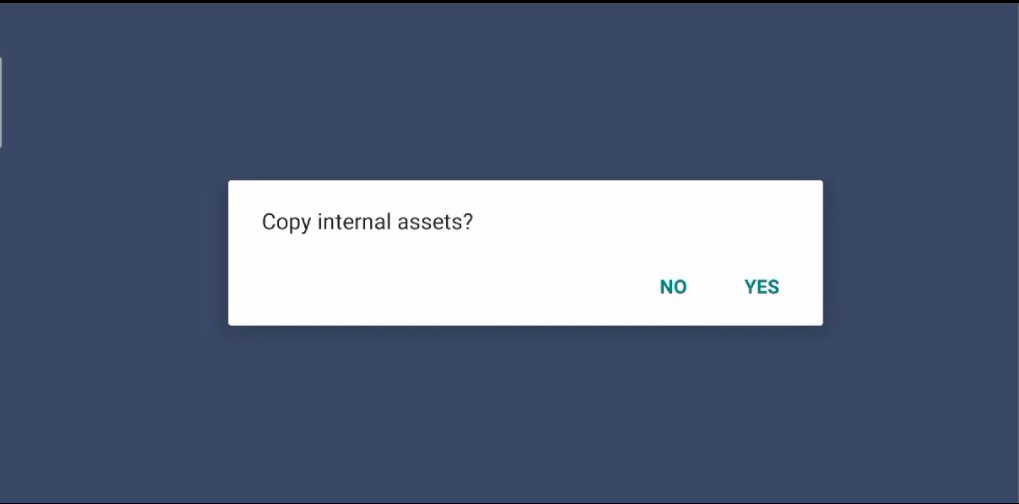
After selecting, the screen displays
Continue to select Yes (If choosing No results in something different, please leave a comment below). Then wait a while to download the file.
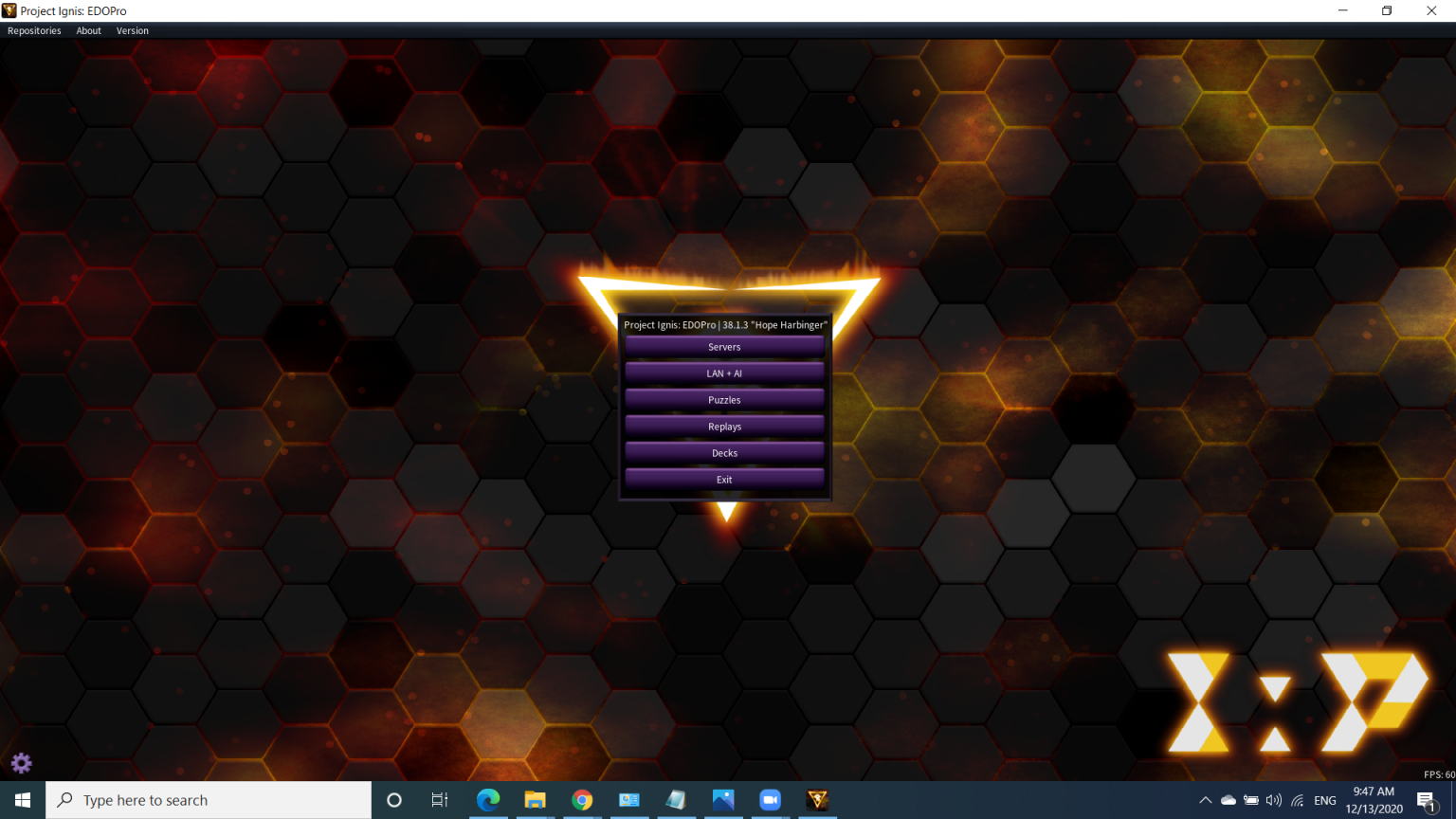
*Results after 2 methods for computer and Android
It has many great functions such as creating a Deck, competing with other players (Server), competing with people with the same server/AI (LAN+AI), having puzzles (puzzle), reviewing the match (Replay). , create and edit Decks.
End of part 1
That's the end of part 1 - Instructions for downloading Edopro! If you have any questions, feel free to ask YGO Vietnam via discord or in the comments section! We are always here to support and answer your questions!
Once again thank ygoguidance.com for providing us with useful information to write this article!
We use cookies and similar technologies that are necessary to operate the website. Additional cookies are used to perform analysis of website usage. By continuing to use our website, consent to our use of cookies. For more information, please read our Privacy Policy.